
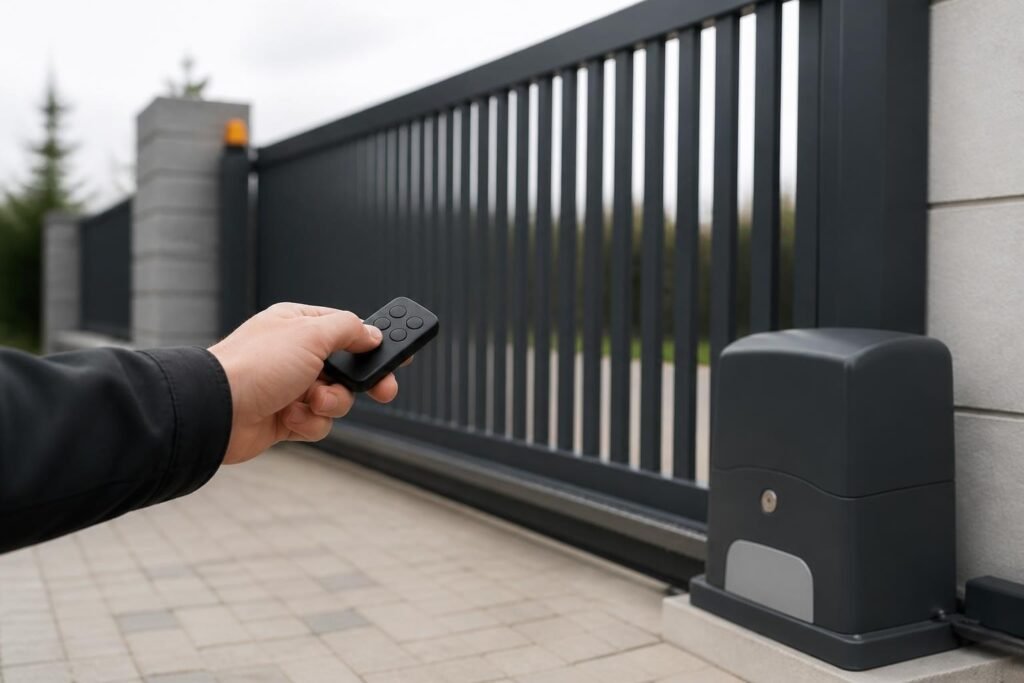
Choosing a nice remote gate opener transforms how you interact with your property's security perimeter every day. Whether you manage a commercial facility with steady traffic or a residential estate where convenience matters, the right remote opener combines reliability, range, and security features that match your gate system perfectly. In Los Angeles, where property access control directly impacts both security and daily convenience, understanding what makes a remote gate opener truly "nice" helps you invest in technology that serves you for years.
Understanding What Makes a Nice Remote Gate Opener
A nice remote gate opener isn't just about pressing a button and watching your gate swing open. The quality shows in how consistently it performs across varying weather conditions, how far away it works reliably, and how well it integrates with your existing gate automation system.
Core Features That Define Quality
When evaluating remote gate openers, several technical specifications separate basic models from premium options:
Signal Range and Penetration
Superior remotes maintain reliable communication at 100 feet or more, even through walls, landscaping, and vehicles. Frequency selection plays a crucial role here. Most systems operate on 300-390 MHz bands, which offer excellent building penetration, while newer 433.92 MHz models provide cleaner signals in urban environments with less radio interference.
Rolling Code Security Technology
Modern nice remote gate opener systems employ rolling code encryption that generates a new access code with each button press. This security measure prevents code grabbing attacks where unauthorized individuals attempt to capture and replay your access signal. Research on rolling-code vulnerabilities demonstrates why this technology remains essential for residential and commercial applications.
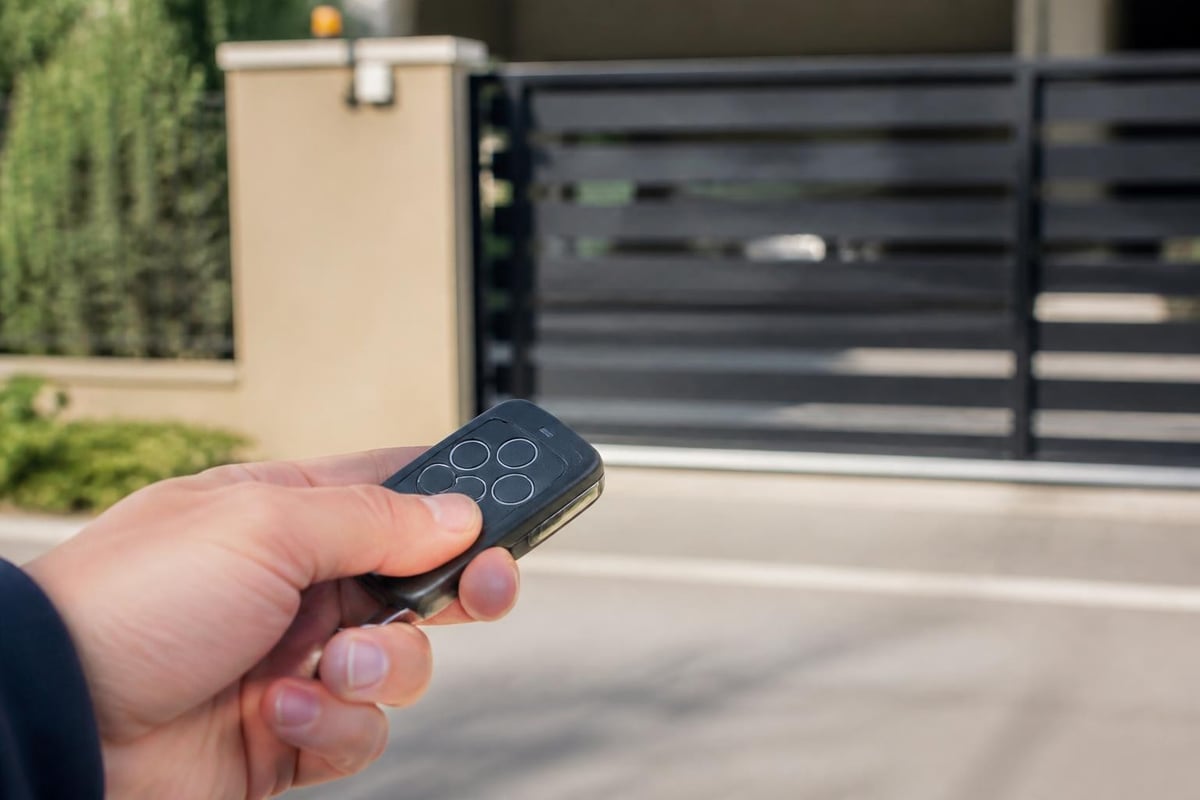
Build Quality and Weather Resistance
Los Angeles weather might be mild compared to other regions, but direct sunlight, occasional rain, and temperature fluctuations still impact electronic components. Quality remotes feature UV-resistant housings, sealed button mechanisms, and conformal coating on circuit boards to prevent moisture damage.
| Feature | Basic Remote | Nice Remote | Premium Remote |
|---|---|---|---|
| Typical Range | 30-50 feet | 75-150 feet | 200+ feet |
| Security | Fixed code | Rolling code | Encrypted rolling code |
| Battery Life | 6-12 months | 12-24 months | 24-36 months |
| Programming | Manual switches | Learn button | Smartphone app |
| Weather Rating | IP20 (indoor) | IP54 (splash-proof) | IP65 (dust/water-tight) |
Compatibility Considerations for Your Gate System
Not every nice remote gate opener works with every automatic gate operator. Understanding compatibility before purchase saves frustration and ensures seamless integration with your existing infrastructure.
Frequency Matching Requirements
Gate operators manufactured by different companies often use proprietary frequencies and encoding schemes. The three most common frequency ranges in residential and commercial applications include:
- 300-310 MHz: Traditional frequency band with excellent range and building penetration
- 318 MHz: Common in commercial and industrial gate systems
- 390 MHz and 433.92 MHz: Newer standards offering reduced interference in urban environments
Your gate operator's receiver module determines which frequency your remote must use. Most manufacturers label this information on the control board or in the operator manual. When selecting a nice remote gate opener, verify it transmits on the exact frequency your receiver expects.
Brand-Specific Protocols
Many premium gate automation manufacturers implement proprietary communication protocols beyond simple frequency matching. These systems incorporate manufacturer-specific encoding that standard universal remotes cannot replicate. For the best compatibility and feature access, matching your remote's brand to your operator's brand ensures:
- Full access to advanced features like partial-open programming
- Reliable performance without signal conflicts
- Warranty coverage that remains intact
- Access to manufacturer support channels
Universal remotes offer broader compatibility but sometimes sacrifice advanced features. They work well for basic open/close functions across multiple gate brands but may not support specialized commands or multi-button programming on certain systems.
Security Best Practices for Remote Gate Access
Gate access security extends far beyond the physical barrier itself. Your nice remote gate opener represents a potential vulnerability if not properly configured and maintained, particularly as smart home integration introduces new attack surfaces.
Physical Security Measures
Remote Storage and Access Control
Treat gate remotes with the same security mindset you apply to house keys. Store them securely when not in use, avoid leaving them visible in vehicles, and maintain an inventory of all remotes issued to family members, employees, or service contractors.
Immediate Deactivation Protocols
When a remote goes missing, delete its code from your gate operator's memory immediately. Most modern systems allow individual remote deletion without reprogramming all other units, making this process straightforward. Delaying deactivation creates an open security window that unauthorized individuals might exploit.
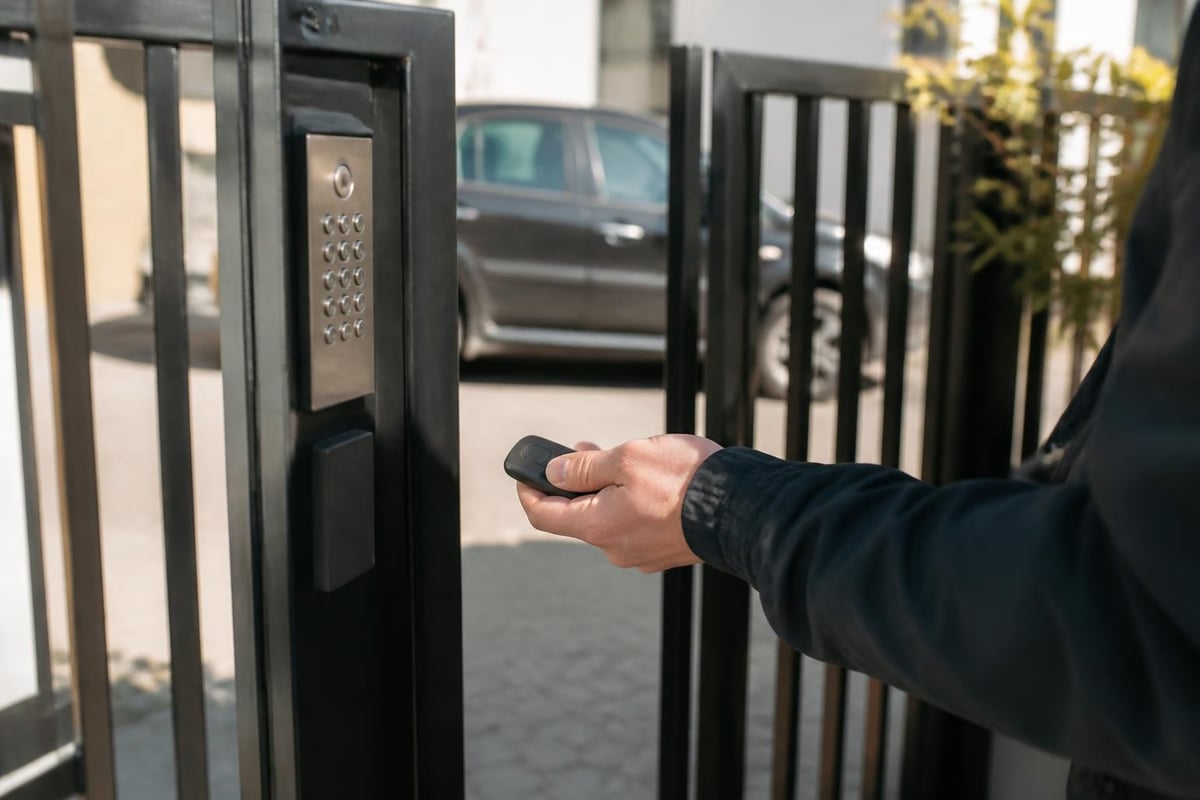
Digital Security for Smart Gate Systems
Internet-connected gate controllers and smartphone-enabled remotes introduce cybersecurity considerations that traditional RF-only systems never faced. CISA guidance on exposure reduction provides actionable steps for securing IoT-enabled access control systems.
Network Segmentation Strategies
Isolate your gate controller on a separate network segment from your primary home or business network. This approach, recommended by NCSC operational technology guidance, limits potential damage if an attacker compromises your gate system. They gain access only to the isolated segment rather than your entire network infrastructure.
Firmware and Software Maintenance
Regular updates close security vulnerabilities that manufacturers discover after release. Enable automatic updates when available, or establish a quarterly review schedule to check for and apply patches. Many gate operators now support over-the-air updates that simplify this maintenance task considerably.
Baseline security recommendations from ENISA for IoT devices emphasize secure-by-design principles that apply directly to smart gate controllers. These include changing default passwords, disabling unused features, and implementing multi-factor authentication for remote access applications.
Installation and Programming Procedures
Proper installation and configuration maximize the performance you get from your nice remote gate opener. While the specific steps vary by manufacturer, certain universal principles apply across most systems.
Programming Your Remote to the Gate Operator
Most modern gate operators use a learn-button programming method that simplifies the pairing process:
- Locate the learn button on your gate operator's control board (usually near the antenna connection)
- Press and release the learn button – an indicator LED will illuminate
- Press the desired button on your new remote within 30 seconds
- Verify the LED blinks or changes state, confirming successful programming
- Test the remote from various distances to ensure proper operation
Some older systems use DIP switch configuration, where tiny switches inside both the remote and receiver must match exactly. This method provides 256 to 4,096 possible combinations depending on the number of switches, though it offers significantly less security than rolling code systems.
Optimizing Antenna Placement
The operator's antenna position dramatically affects the range and reliability of your nice remote gate opener. External antennas mounted above the operator in a vertical orientation typically provide the best omnidirectional coverage. If your gate is located in a low area or surrounded by metal fencing, consider:
- Relocating the antenna to higher ground with a coaxial cable extension
- Switching to a higher-gain antenna designed for longer range
- Installing a secondary receiver at a more favorable location
Professional gate technicians can assess your specific installation challenges and recommend solutions that match your property's layout. For properties in Los Angeles where gate systems often need immediate attention, services specializing in electric gate repair can evaluate both your operator and remote system for optimal performance.
Troubleshooting Common Remote Issues
Even the nicest remote gate opener occasionally experiences performance problems. Understanding common failure modes helps you diagnose issues quickly and determine whether you need professional assistance.
Intermittent Operation or Reduced Range
When your remote works sometimes but fails at distances where it previously functioned reliably, several factors might be responsible:
Battery Depletion
This remains the most common cause of degraded performance. Most remotes use 3V lithium coin cells (CR2032 or similar) that gradually lose voltage over 12-24 months. Replace batteries annually as preventive maintenance, even if the remote still works occasionally. Weak batteries produce unstable transmission that creates frustrating intermittent operation.
Antenna Issues at the Receiver
Damaged, corroded, or disconnected antennas severely limit range. Inspect the antenna cable for cuts, kinks, or corrosion at connection points. Water intrusion into the operator housing can corrode antenna connections, requiring cleaning or replacement.
Radio Frequency Interference
Los Angeles's dense urban environment creates significant RF noise from wireless networks, cell towers, and other electronic systems. New construction or equipment installations near your property might introduce interference that wasn't present when you originally installed your gate system. Switching to a different frequency or upgrading to a spread-spectrum system often resolves these conflicts.
Complete Remote Failure
When your remote stops working entirely across all buttons and ranges:
| Symptom | Likely Cause | Solution |
|---|---|---|
| No LED on button press | Dead battery or internal failure | Replace battery; if LED still doesn't light, replace remote |
| LED lights but gate doesn't respond | Lost programming or receiver issue | Reprogram remote; test with another known-working remote |
| New remote never worked | Wrong frequency or incompatible protocol | Verify frequency match; confirm compatibility with operator model |
| Multiple remotes stopped simultaneously | Receiver failure or power loss | Check operator power; inspect receiver module |
Safety Compliance and Legal Considerations
Operating an automatic gate system comes with specific safety obligations, particularly for commercial properties or residential installations in HOA-governed communities. Understanding these requirements protects you from liability and ensures your nice remote gate opener integrates into a legally compliant system.
UL 325 Safety Standard Requirements
The UL 325 standard governs safety requirements for gate operators and related accessories, including remote controls. Originally established to prevent entrapment injuries, this standard has evolved over 50 years to address emerging safety concerns.
Key provisions relevant to remote gate openers include:
- Constant pressure operation for commercial vehicular gates (remote must be held continuously during gate movement)
- Line-of-sight requirements for certain commercial applications
- Integration with safety devices such as photo-eyes and edge sensors
- Force limitation to prevent injury if the gate contacts an obstruction
Residential systems generally allow momentary-press operation where a single button tap initiates a complete open or close cycle. Commercial installations face stricter requirements based on gate classification (Class I through Class IV) that reflect usage patterns and entrapment risk.
CPSC Gate Safety Guidelines
The Consumer Product Safety Commission has documented numerous injuries related to automatic gates, leading to enhanced safety standards. Their safety standard documentation provides detailed injury data and regulatory requirements for pool gates and other pedestrian barriers.
While these standards focus primarily on gate design and operator specifications, they inform best practices for remote control usage. Ensure your nice remote gate opener system includes:
- Proper warning labels visible from both sides of the gate
- Emergency release mechanisms accessible without tools
- Safety sensor systems that detect obstructions
- Regular maintenance to keep all safety features functional
Advanced Features Worth Considering
Modern nice remote gate opener technology extends far beyond simple open/close buttons. Advanced features enhance convenience, security, and integration with broader property automation systems.
Multi-Button Programming Options
Premium remotes typically offer 2-4 programmable buttons, enabling control of multiple access points from a single device. Common configurations include:
- Button 1: Main driveway gate
- Button 2: Secondary pedestrian gate or side entrance
- Button 3: Garage door opener
- Button 4: Property lighting or auxiliary function
This consolidation reduces the number of devices you need to carry and simplifies access for family members who interact with multiple automated systems daily.
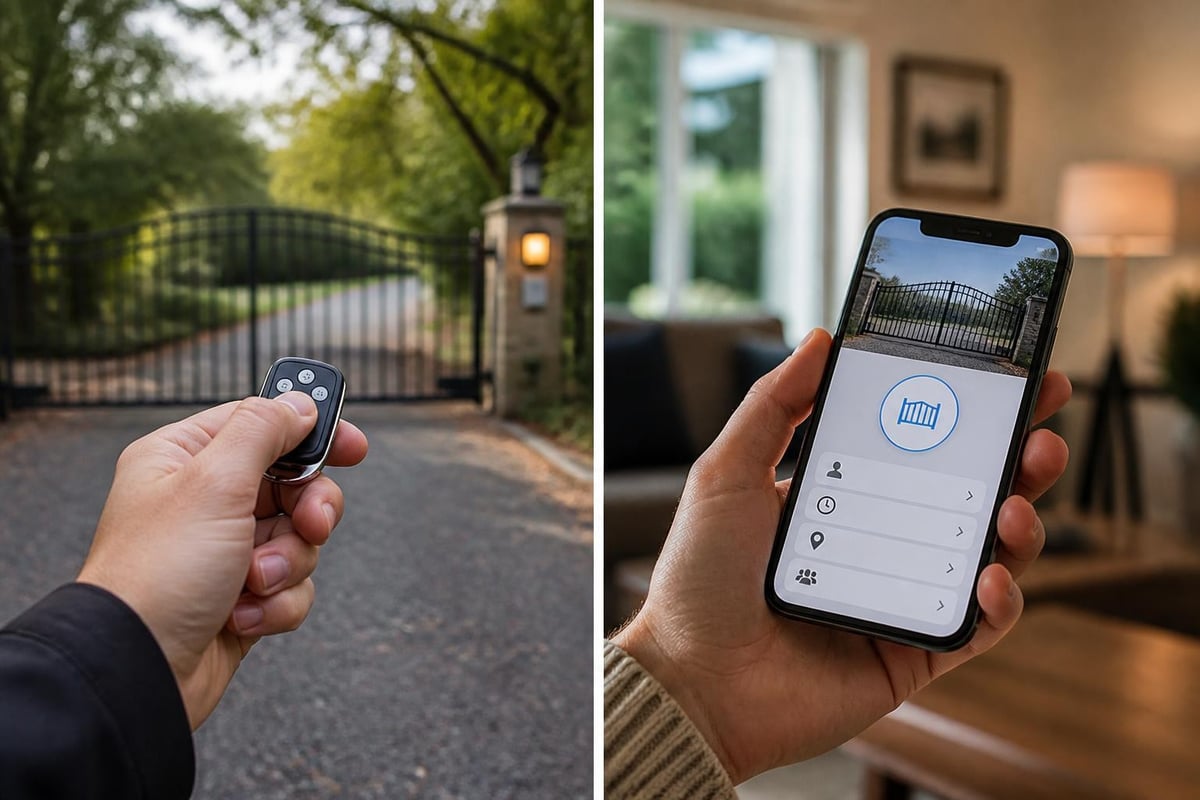
Smartphone Integration and Virtual Keys
Modern gate automation increasingly incorporates smartphone apps that supplement or replace traditional RF remotes. These systems offer distinct advantages:
Temporary Access Provisioning
Grant delivery drivers, contractors, or guests time-limited access without distributing physical remotes. Configure access windows that automatically expire after scheduled appointments, enhancing security while maintaining convenience.
Activity Logging and Notifications
Receive real-time alerts when anyone operates your gate, with detailed timestamps showing exactly who accessed your property and when. This audit trail proves valuable for both security monitoring and resolving disputes about property access.
Geofencing Automation
Advanced systems detect when your smartphone approaches and automatically open the gate, eliminating the need to interact with any control device. The gate closes automatically after you pass through, based on configurable timing parameters.
Maintenance and Longevity Strategies
A nice remote gate opener should provide reliable service for years with minimal maintenance. Proactive care prevents premature failure and ensures consistent performance.
Battery Management Best Practices
Most gate remotes use lithium coin cell batteries that provide excellent energy density and shelf life. However, they degrade predictably over time regardless of usage level:
- Replace batteries on an annual schedule as preventive maintenance
- Keep spare batteries on hand to avoid unexpected outages
- Use quality name-brand batteries from reputable manufacturers
- Dispose of depleted batteries at proper recycling centers
Some newer remotes incorporate rechargeable batteries with USB charging capability. While these eliminate replacement costs, they require regular charging discipline to avoid finding your remote dead when you need it most.
Environmental Protection
Even weather-resistant remotes benefit from protective measures that extend their lifespan:
- Avoid storing remotes in direct sunlight on vehicle dashboards where temperatures can exceed 150°F
- Keep remotes away from moisture sources like beverage holders and wet clothing
- Use protective silicone sleeves on remotes subjected to harsh conditions
- Clean button contacts periodically with electronics-safe contact cleaner
Periodic Testing and Verification
Establish a quarterly testing routine to catch developing problems before they create access emergencies:
- Test remote operation from maximum expected range
- Verify all programmed buttons function correctly
- Check LED indicator brightness (dim LEDs suggest weak batteries)
- Confirm safety features still engage properly during gate operation
Professional gate service providers can perform comprehensive system checks that include remote testing alongside operator inspection, safety sensor verification, and mechanical component evaluation. For properties throughout Los Angeles and surrounding areas, regular maintenance from experienced technicians prevents costly emergency repairs and ensures your access control system functions reliably year-round.
Selecting the Right Remote for Your Specific Needs
With dozens of nice remote gate opener models available, matching features to your actual requirements prevents overspending on capabilities you won't use while ensuring you don't sacrifice essential functions.
Residential Property Considerations
Homeowners typically prioritize convenience, aesthetic design, and integration with existing home automation systems. Key selection criteria include:
Compact Size and Portability
Visor-clip remotes attach conveniently to your vehicle's sun visor, ensuring they're always available when arriving home. Keychain models offer portability for pedestrian use but sacrifice some range due to smaller antennas and batteries.
Aesthetic Design Options
Premium manufacturers offer remotes in various finishes and styles that match modern vehicle interiors and personal preferences. While purely cosmetic, design matters for devices you interact with multiple times daily.
Multi-Property Capability
If you own multiple properties with automated gates, select remotes that support programming for 3-4 different operators. This consolidation reduces the number of devices you need to manage across your real estate portfolio.
Commercial and Multi-Tenant Applications
Business properties require different capabilities that address liability, access management, and durability concerns:
Robust Construction for Heavy Use
Commercial-grade remotes feature reinforced housings and industrial button mechanisms rated for tens of thousands of cycles. The additional cost proves worthwhile when remotes receive daily use from multiple employees or tenants.
Accountable Distribution Systems
Track which employees or tenants have received remotes, maintain a master database of issued units, and collect remotes immediately when personnel depart. Some sophisticated systems allow individual remote tracking with unique identifiers logged in access records.
ADA Compliance Features
For commercial properties serving the public, ensure your gate access system meets Americans with Disabilities Act requirements. This might include large button remotes suitable for users with limited dexterity or integration with alternative access methods like keypads at appropriate mounting heights.
Selecting and maintaining a nice remote gate opener requires attention to compatibility, security, and feature alignment with your specific property needs. Whether you need a simple residential remote or a sophisticated commercial access control system, the right choice delivers years of reliable, convenient gate operation. When you need expert guidance on gate automation, professional repair services, or system upgrades in the Los Angeles area, Gates On Site brings over 20 years of experience to help you select, install, and maintain the perfect remote gate opener solution for your property. Contact their team for same-day service on any gate system issue.